Meet Jimmy: ask Possy ERP in English, Tamil, Sinhala or Arabic
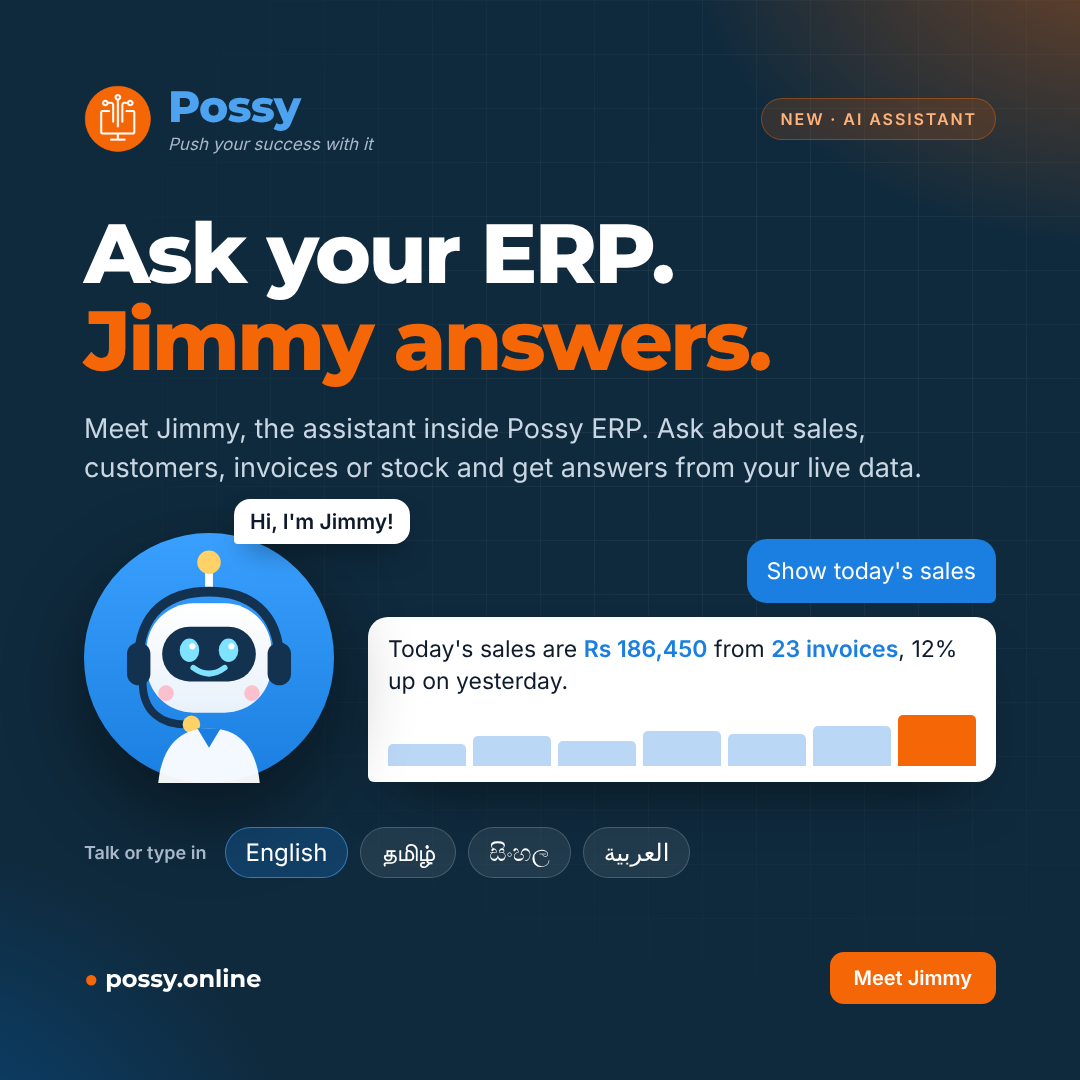
Jimmy is the assistant inside Possy ERP. Ask about sales, customers, invoices or stock in plain words, in English, Tamil, Sinhala or Arabic, and get answers from your live data.
Every business owner has asked one of these questions at the end of a long day: How much did we sell today? Who still hasn't paid? Which customers bought the most this month?
The answers are already in your ERP. Getting to them usually means opening the right report, picking the right filters and reading through a table. That's fine for an accountant, but it isn't what a busy owner or shop manager wants at 7 pm.
So we built Jimmy, the assistant inside Possy ERP. You ask in plain words, and Jimmy answers from your own live data.
What is Jimmy?
Jimmy is a chat assistant built into Possy ERP. He sits in the corner of every screen. Click him, type or say your question, and he replies in a few seconds.
Jimmy doesn't guess and doesn't use sample figures. He reads the same sales, customer, invoice and stock records your team works with every day, so his answers match your books.
Questions you can ask
You don't need to know report names or menu paths. Ask the way you'd ask a colleague:
- "Show today's sales": today's total and the number of invoices.
- "List overdue invoices": which customers owe you, how much, and for how long.
- "Top 5 customers this month": who your best customers are right now.
- "How many customers do we have?": a quick count, without opening a list.
Jimmy also shows suggested questions when you open him, so new users know where to start.
Four languages, typed or spoken
Not everyone on your team thinks in English, and they shouldn't have to. Jimmy listens and replies in four languages:
- English
- தமிழ் (Tamil)
- සිංහල (Sinhala)
- العربية (Arabic)
Choose your language in the chat box, then type, or press the microphone and speak. A cashier can ask in Sinhala, a manager in Tamil and a partner in Oman in Arabic, all working from the same system.
Who Jimmy helps
- Owners and directors who want the day's numbers without waiting for someone to prepare a report.
- Shop and branch managers who need a quick answer between customers.
- Accounts teams chasing payments, who can see overdue invoices in one question.
- New staff, who can get started without first learning every screen.
Part of Possy ERP
Jimmy works alongside everything already in Possy ERP: accounting, inventory, POS, CRM, HR and payroll, education, manufacturing, projects and loans. There's no separate app to install or log in to. If you use Possy ERP, Jimmy is right there on your screen.
Jimmy is also part of how we make Possy easier to learn. Together with the step-by-step Guide me tours on every form, he helps your team get comfortable with the system faster.
See Jimmy for yourself
The best way to understand Jimmy is to ask him something about your own business. Book a free demo and we'll show you Jimmy with sample data for your sector. You can also explore our step-by-step use cases to see what Possy ERP can do.
Ask your ERP. Jimmy answers.

Possy Online
ERP solutions for SMEs, corporate businesses, schools, institutions, NGOs and finance providers in Sri Lanka, the Middle East and Australia.
No comments yet. Login to start a new discussion Start a new discussion